This post is maintained by Bytebase, an open-source database governance platform. We update the post periodically.
If you work only with Postgres, pgAdmin is the default GUI: free and open-source, just like Postgres itself, and as a web app it runs on Linux, macOS, and Windows.
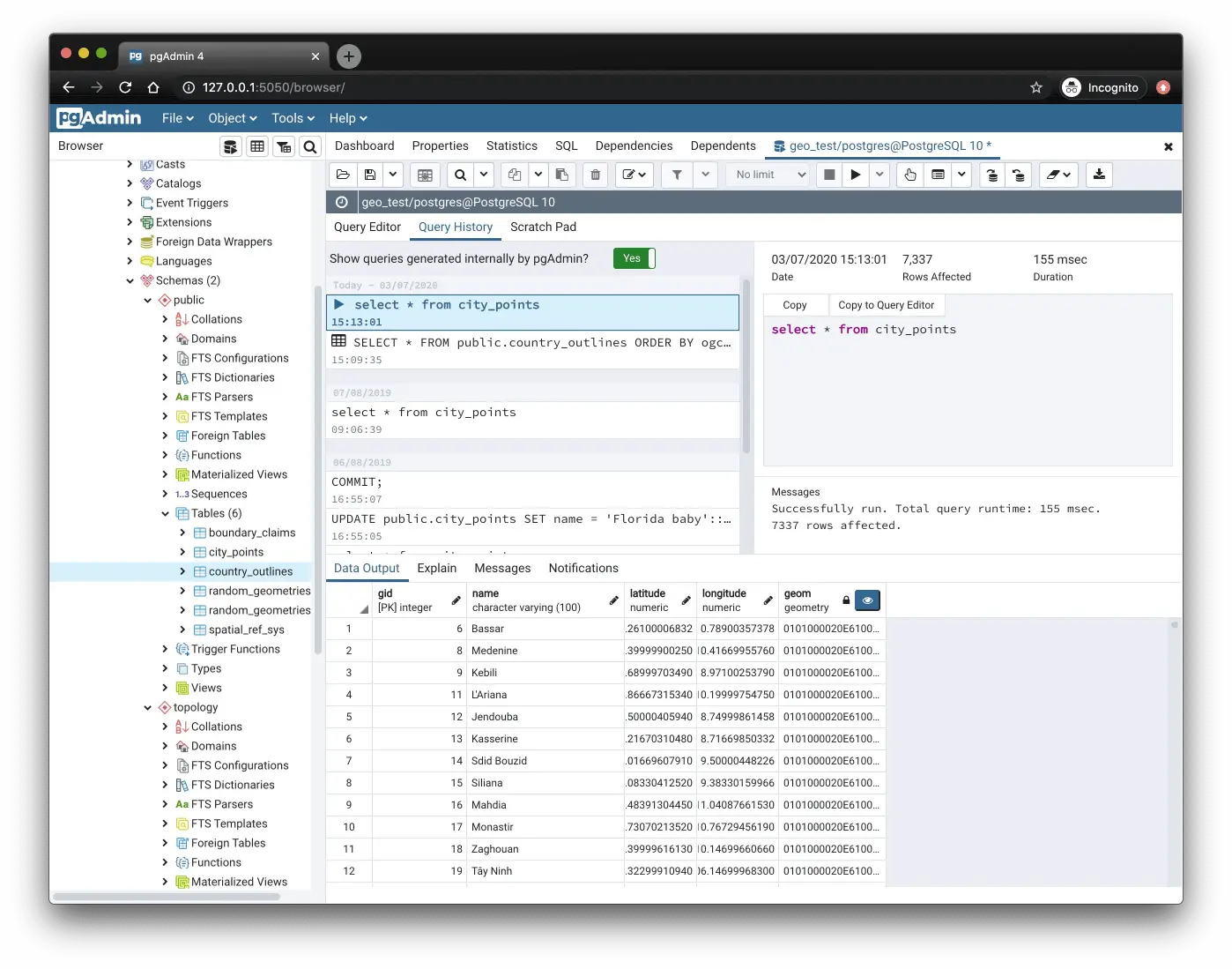
But pgAdmin is not the only option, whether you work with Postgres alone or alongside other databases. This article highlights the top GUI alternatives to pgAdmin.
DBeaver
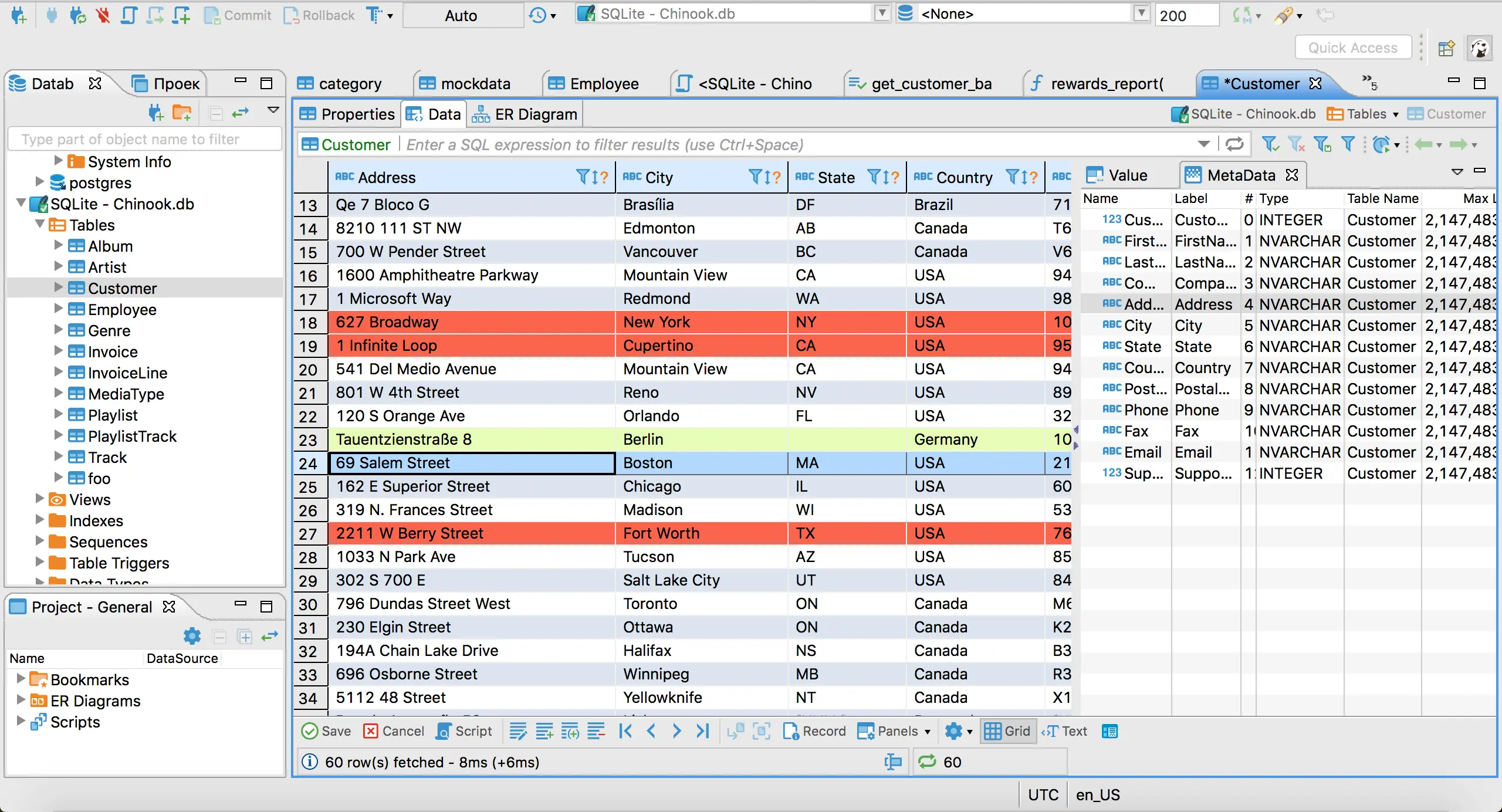
DBeaver is a universal database tool that runs on Windows, macOS, and Linux. It offers both open-source (free) and commercial products (subscription-based). The open-source version provides essential support for relational databases such as MySQL, SQL Server, PostgreSQL, etc.; the commercial editions add NoSQL and cloud databases, plus an AI assistant that writes and edits queries in natural language.
Navicat
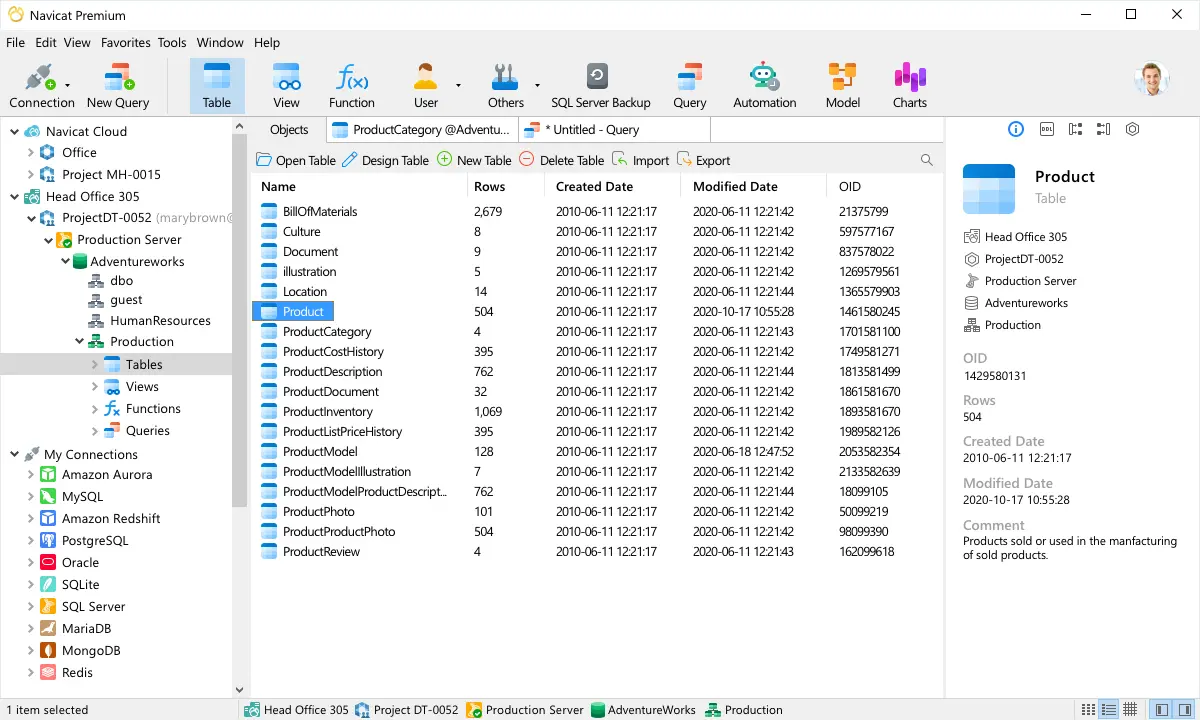
Navicat is another long-established database GUI supporting a long list of databases on Windows, macOS, and Linux. It is a great single-user SQL client, but has a serious limitation in multi-user scenarios where team collaboration and centralized control are needed. Navicat is not open-source; the full product is subscription-based with a 14-day trial, and since 2024 Navicat Premium Lite offers basic operations for free.
TablePlus
TablePlus is a modern, lightweight, and intuitive database management tool fit for macOS, Windows, Linux, and even iOS. It offers a simple and streamlined interface for managing various relational and a few NoSQL databases.
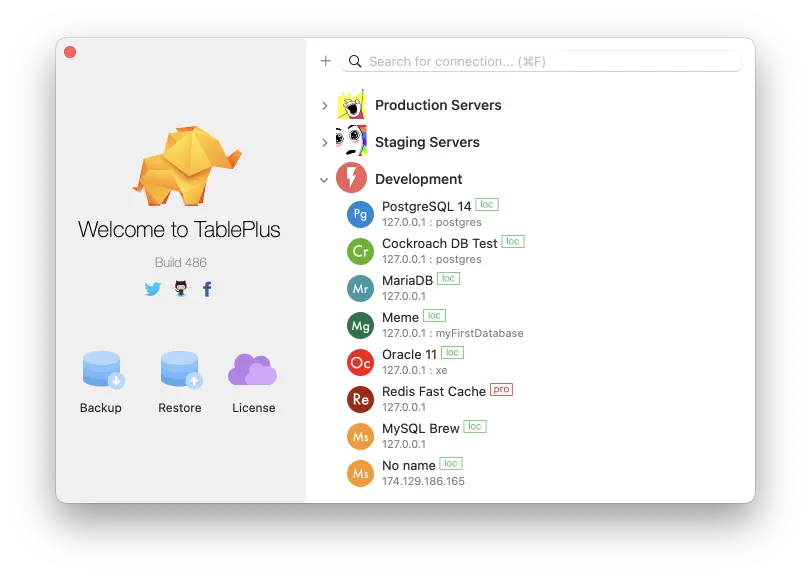
TablePlus offers a limited free tier and a paid subscription. It is not open-source, but the team's side product DBngin is: it spins up a local Postgres, MySQL or Redis on your Mac that connects straight to TablePlus. For AI, TablePlus takes the BYOK (bring your own key) route: its LLM plugin does text-to-SQL with the provider you choose, sharing only the table structure, never the data.
DataGrip
DataGrip is a database IDE by JetBrains for macOS, Windows, and Linux, with complete support for the popular databases (Postgres, MySQL, MongoDB) and basic support for many more. It is commercial with a 30-day trial.
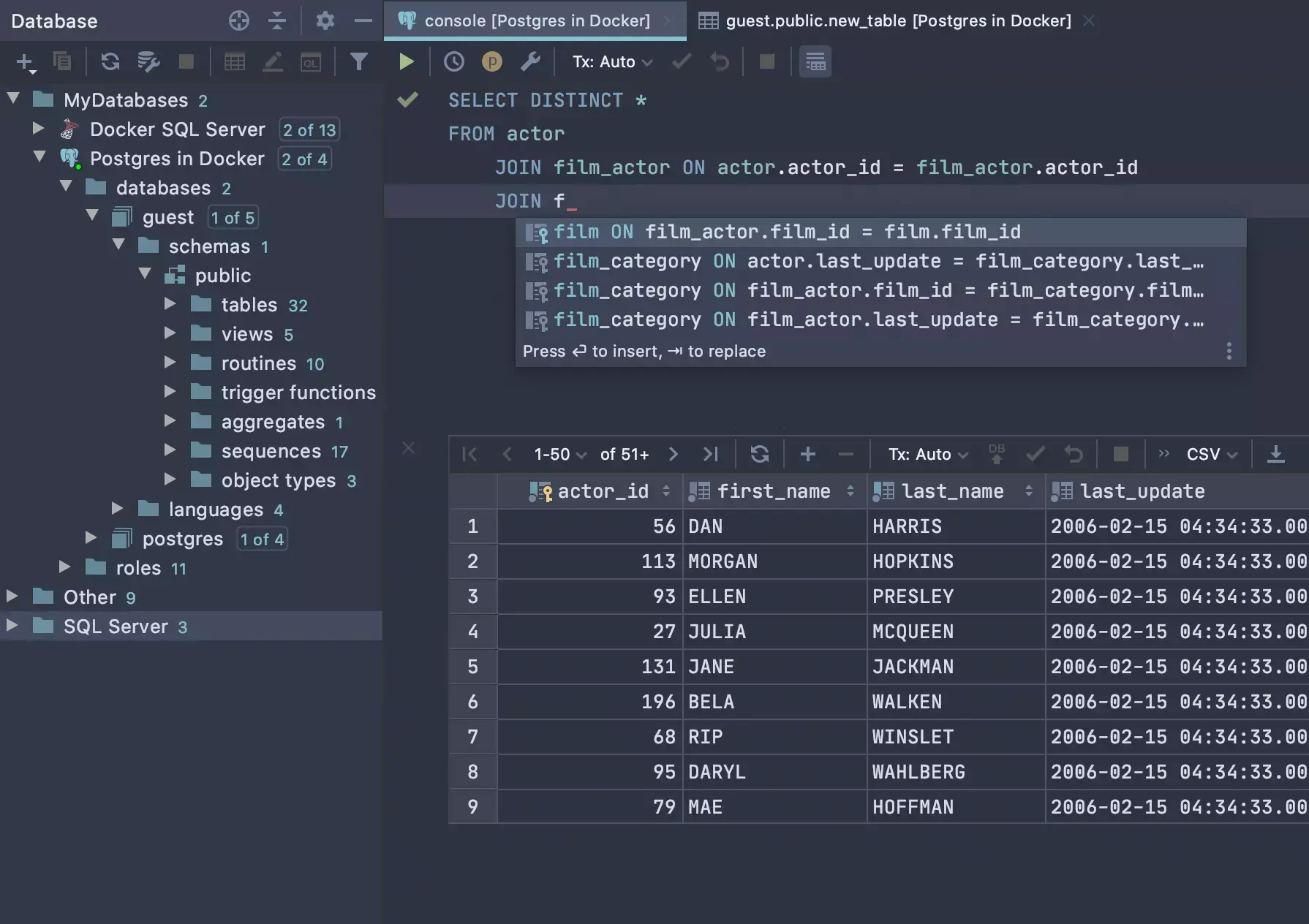
DataGrip pairs an intelligent SQL editor with schema diff and VCS support, plus the JetBrains AI Assistant for query generation and explanation. Perfect if you prefer a dedicated IDE with a consistent JetBrains experience.
Beekeeper Studio
Beekeeper Studio is a modern and lightweight SQL client that supports Postgres, MySQL, SQLite, SQL Server, CockroachDB, among others, on Windows, macOS, and Linux. It offers a free open-source community edition and a full commercial version, including an AI query assistant in the Ultimate edition.
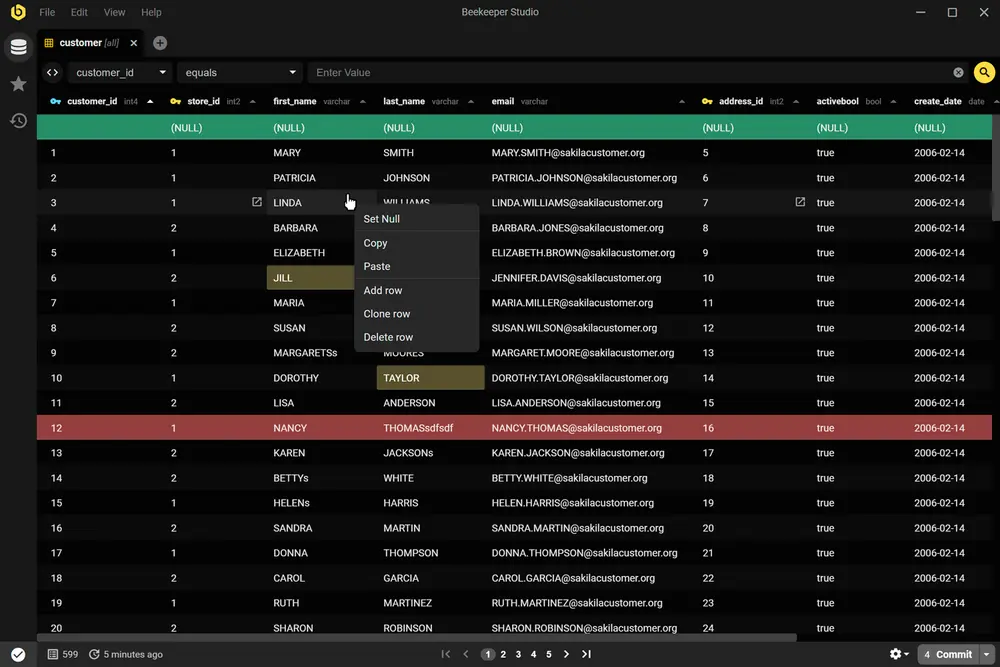
The sleek, minimalistic UI is a deliberate reaction to cluttered database tools: simple yet feature-rich with all the necessities, and easy to use.
pgconsole
pgconsole is an open-source, self-hosted web editor built specifically for PostgreSQL. It ships as a single binary (or Docker image) configured through one TOML file, so the setup lives in Git alongside your other infrastructure.
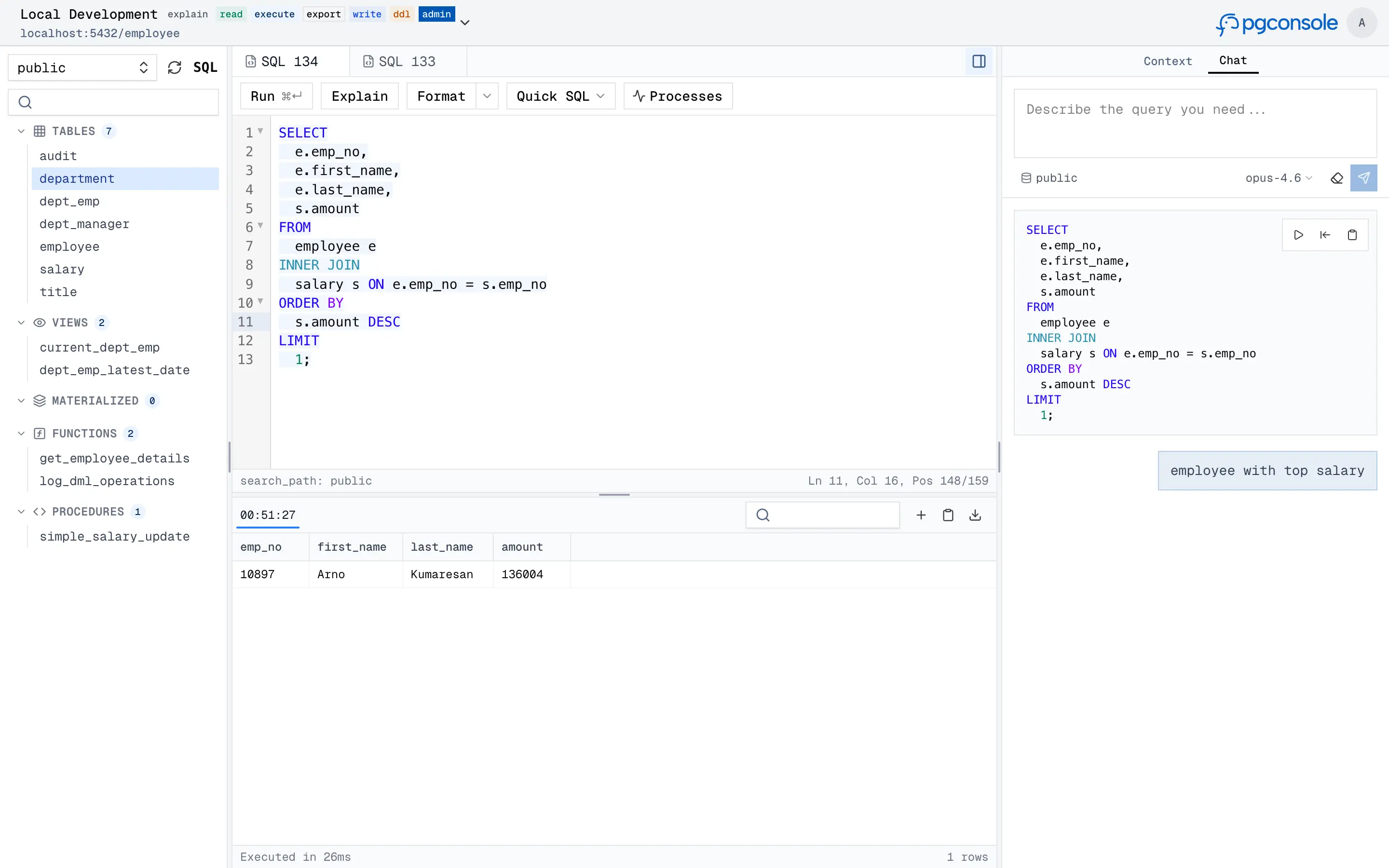
Unlike the desktop clients above, pgconsole is built for teams: database credentials stay server-side behind fine-grained access control, every query and login is audit-logged, and an MCP server lets AI agents connect under the same governance as human users. The built-in AI assistant (bring your own provider, so data stays in your infrastructure) covers natural language to SQL, query explanation, and error fixing.
Its scope is deliberately narrow: fast day-to-day SQL work rather than full administration. Backup workflows and server configuration are out of scope, so pair it with pgAdmin if you also manage the server itself.
Mac-only: Postico
Postico is a Mac-only app for Postgres databases (and some compatible databases including Amazon Redshift, CockroachDB, Greenplum, and others).
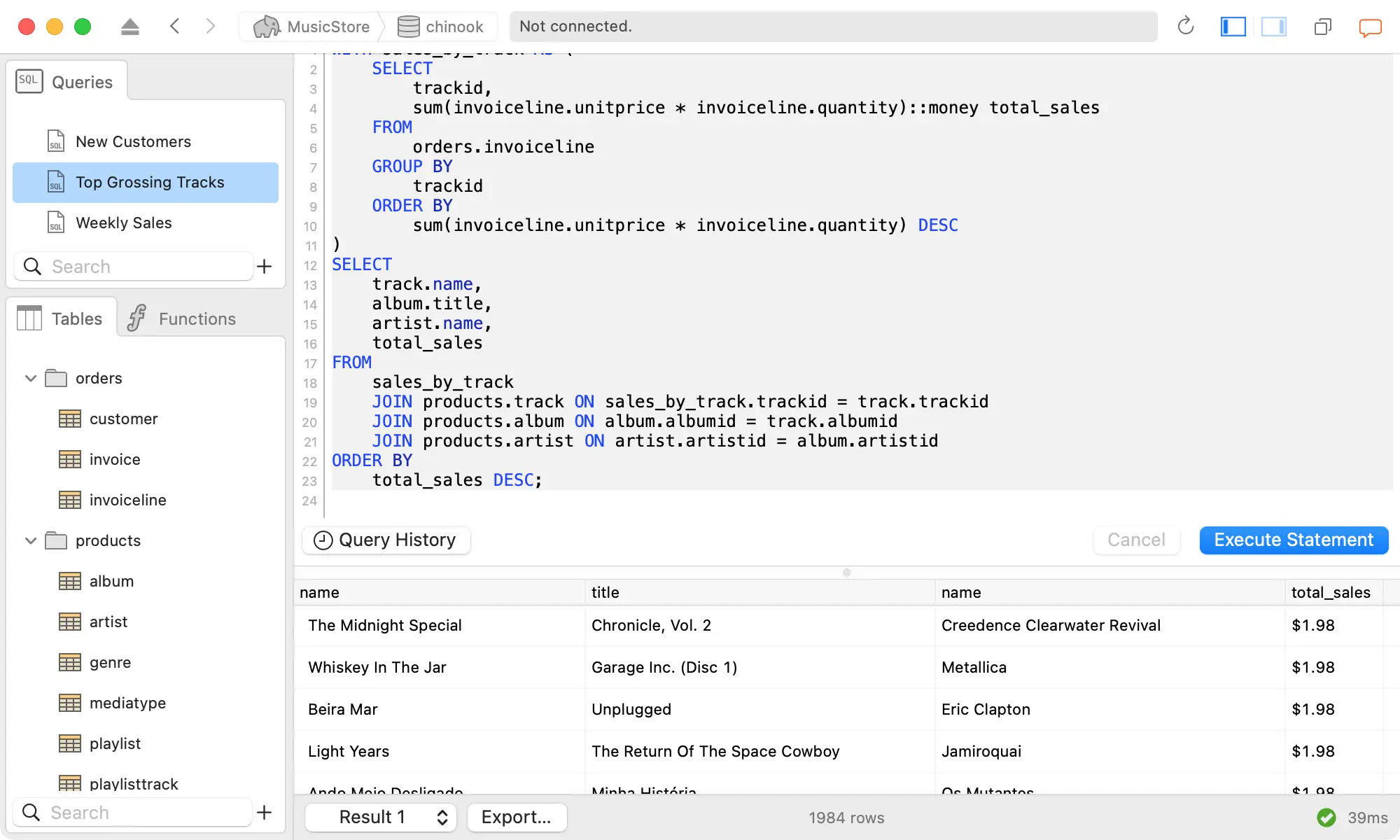
Note that Postico does not cover backup and restore, user and permission management, or monitoring, so it is not for administration needs. But if you are a data analyst on a Mac, this is the tool for you. The person behind Postico also built postgres.app, which starts a Postgres server on your Mac.
Bytebase
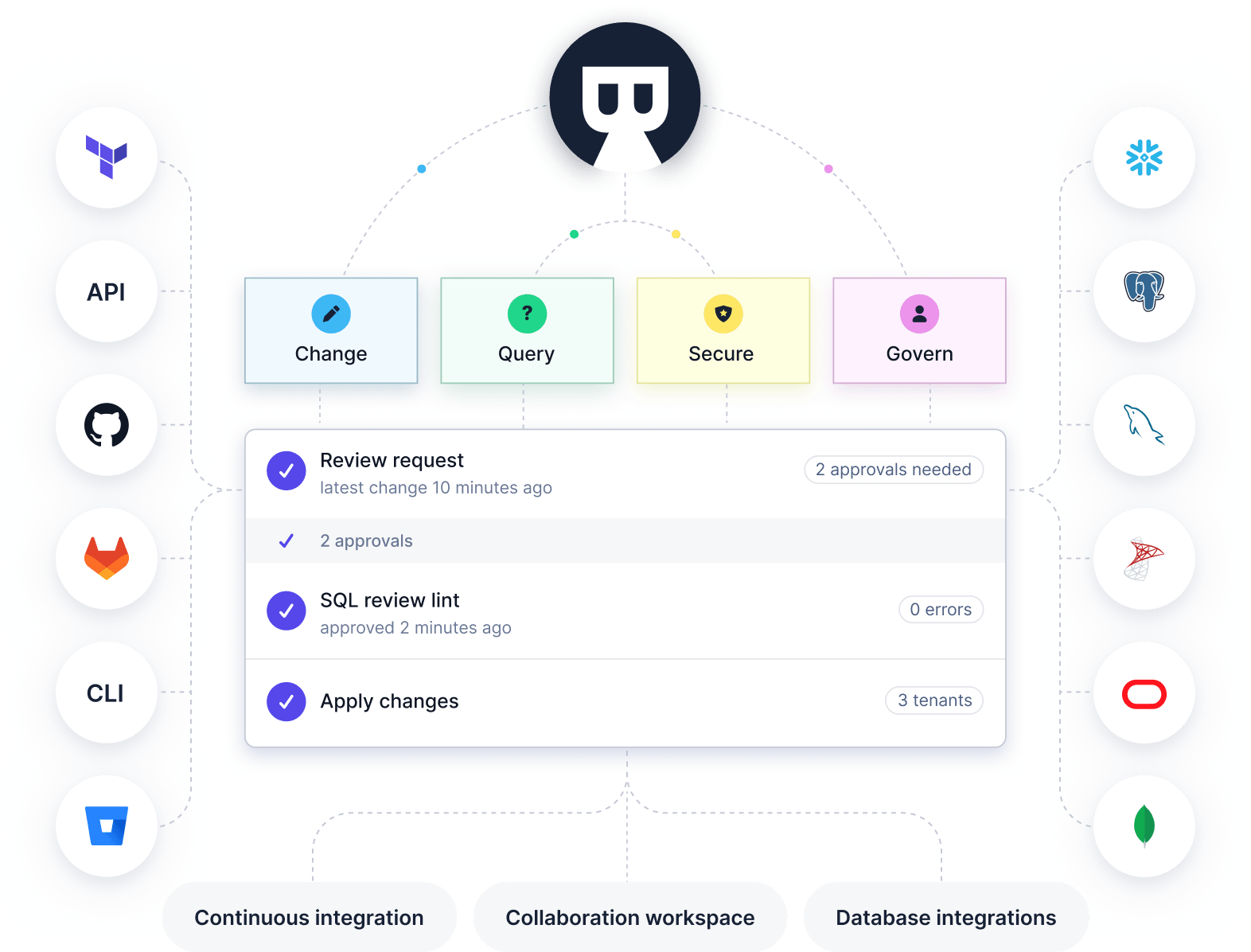
If your organization runs multiple databases and needs one tool covering change, query, security, and governance, check out Bytebase. The visual SQL Editor integrates access control and data masking, and a customizable change workflow covers the database change path.
Summary
Two questions place every tool on the map: does it cover only Postgres or many databases, and does it serve an individual or a team with centralized control?
The crowded quadrant is the personal multi-database client: that market is well served, and the entries above are its strongest. The team quadrants are sparser, and that is where the tools differ the most. A summary:
| Open Source | Free version | Paid version | Audience | Strength | |
|---|---|---|---|---|---|
| pgAdmin | ✅ | ✅ | ❌ | Individual and teams | Built for Postgres |
| DBeaver | ✅ | ✅ | ✅ | Individual | Comprehensive features |
| Navicat | ❌ | ✅ | ✅ | Individual | Comprehensive features |
| TablePlus | ❌ | ✅ | ✅ | Individual | Native and intuitive interface |
| DataGrip | ❌ | ❌ | ✅ | Individual | Intuitive UX and integration with other JetBrains IDEs |
| Beekeeper Studio | ✅ | ✅ | ✅ | Individual | Modern and sleek interface |
| pgconsole | ✅ | ✅ | ✅ | Teams (Postgres only) | Self-hosted with access control, audit logging, and AI |
| Postico | ❌ | ❌ | ✅ | Individual | Mac-native, streamlined UI |
| Bytebase | ✅ | ✅ | ✅ | Entire engineering org for developer, DBA and data team | Centralized access control, data masking, change review workflow |