"Data management tools" covers a lot of ground, from the GUI client you open to run a quick query to the pipeline quietly moving data into your warehouse overnight. The 10 below are the ones developers, DBAs, and data engineers reach for most in 2026. I've grouped them by category: database clients, schema migration, pipelines, transformation, and analytics, so you can jump to the part of the stack you actually care about.
What are data management tools?
Data management tools help teams store, organize, migrate, monitor, and govern data across its lifecycle. In practice that breaks into a few jobs: database clients for running queries, schema migration tools for applying and tracking structural changes, pipeline tools for moving data between systems, and analytics platforms for reporting on it.
Which tools you need depends on where you sit in the stack. A developer wants a GUI client and a migration tool. A data engineer wants pipelines. An analyst wants a BI platform. Almost nobody runs on a single tool that does all of this, so most teams end up with several, one per category.
Categories of data management tools
| Category | What it solves | Tools in this guide |
|---|---|---|
| Database GUI clients | Query, explore, and manage database contents | DBeaver, TablePlus, pgAdmin, DataGrip |
| Schema migration & change management | Version-control and deploy schema changes | Bytebase, Liquibase, Flyway |
| Data pipelines | Move and sync data between systems | Airbyte |
| Data transformation | Model and transform data in the warehouse | dbt |
| Analytics & BI | Query and visualize data for reporting | Metabase |
Database GUI clients
A database GUI client connects to one or more databases and gives you a visual interface for running queries, browsing tables, editing data, and inspecting schema. They don't manage schema changes for you (that's a migration tool's job), but they're the tool most developers and DBAs live in for daily work.
DBeaver
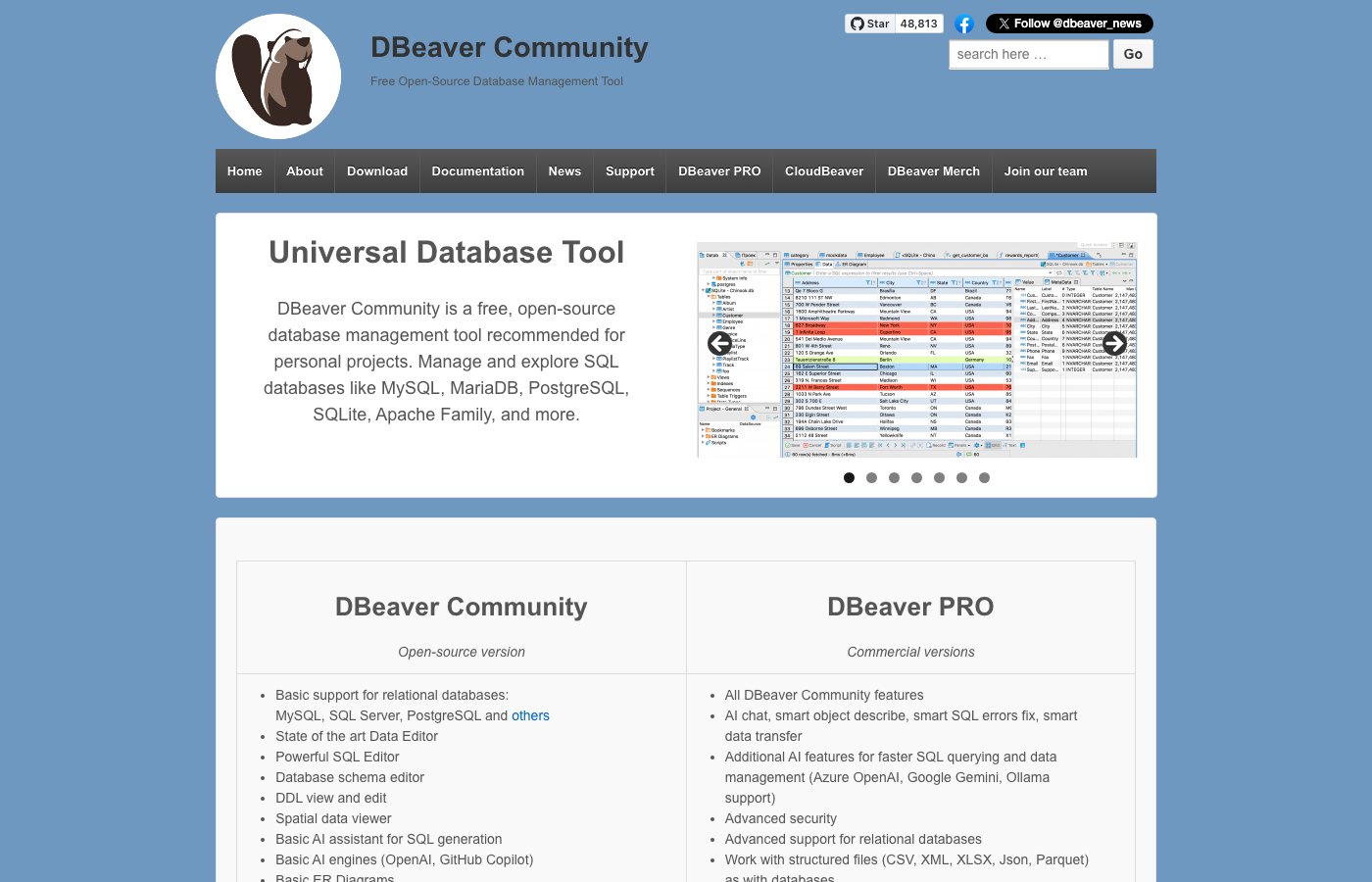 DBeaver query editor with multi-database connection tree and ER diagram panel
DBeaver is an open-source database client that connects to over 100 databases, including PostgreSQL, MySQL, SQL Server, Oracle, MongoDB, and Snowflake. You get an ER diagram editor, bulk data export, and a visual query builder.
What it does well: It supports more database engines than anything else on this list. The free Community edition already covers querying, schema browsing, and ER diagrams, and the ERD viewer is genuinely handy when you're trying to make sense of an unfamiliar schema.
Limitations: The interface shows its age, and it can get sluggish on large result sets. Git integration, data masking, and role management are gated behind the commercial Enterprise edition.
Pricing: Free Community edition. DBeaver Pro from $99/user/year, Enterprise from $249/user/year.
TablePlus
 TablePlus tabbed interface showing table data and inline editing
TablePlus is a native macOS, Windows, and Linux client built for speed and simplicity. It connects to PostgreSQL, MySQL, SQLite, Redis, MongoDB, and several others. Because it's a native app rather than Electron, it opens and navigates noticeably faster than most of its competitors.
What it does well: The UI is clean and stays out of your way. Performance holds up even with large datasets, and the inline editing plus tabbed layout suit working across several databases at once.
Limitations: The free tier caps you at two open tabs and two open connections. There's no Linux ARM build. And it has fewer advanced features than DBeaver.
Pricing: Free tier available. Subscription from $59/year per seat.
pgAdmin
 pgAdmin dashboard showing PostgreSQL server status and query tool
pgAdmin is the standard open-source administration tool for PostgreSQL. It runs in a browser and can be self-hosted next to a Postgres instance. The official PostgreSQL Docker image even bundles it.
What it does well: It covers the PostgreSQL-specific things generalist clients skip: tablespace management, replication status, VACUUM analysis, and a detailed query plan visualizer. And it's free and open source.
Limitations: PostgreSQL only. The interface is functional but less polished than the commercial clients, and pointing it at remote instances takes some configuration.
Pricing: Free and open source.
DataGrip
 DataGrip SQL editor with inline error detection and schema-aware autocompletion
DataGrip is JetBrains' database IDE. It plugs into the rest of the JetBrains toolchain (IntelliJ IDEA, PyCharm) and brings IDE-grade features to SQL: inline error detection, refactoring support, and Git integration.
What it does well: The SQL autocompletion is schema-aware and smart about it, and you get inline warnings for common mistakes before you run anything. If you already live in JetBrains tools, it fits right in.
Limitations: Commercial only, with no real free tier to speak of. It also uses more resources than the native clients.
Pricing: $229/user/year standalone; included in the JetBrains All Products Pack at $309/year.
| Tool | Best for | Open source | Pricing |
|---|---|---|---|
| DBeaver | Multi-database, budget-conscious teams | Yes (Community) | Free / from $99/yr |
| TablePlus | macOS/Windows, clean UI | No | Free tier / from $59/yr |
| pgAdmin | PostgreSQL administration | Yes | Free |
| DataGrip | JetBrains users, SQL IDE | No | From $229/yr |
Schema migration and change management
Schema migration tools version-control your database structure (table creation, column changes, index additions) so the changes are reproducible and deployable across environments without someone manually coordinating the rollout.
Bytebase
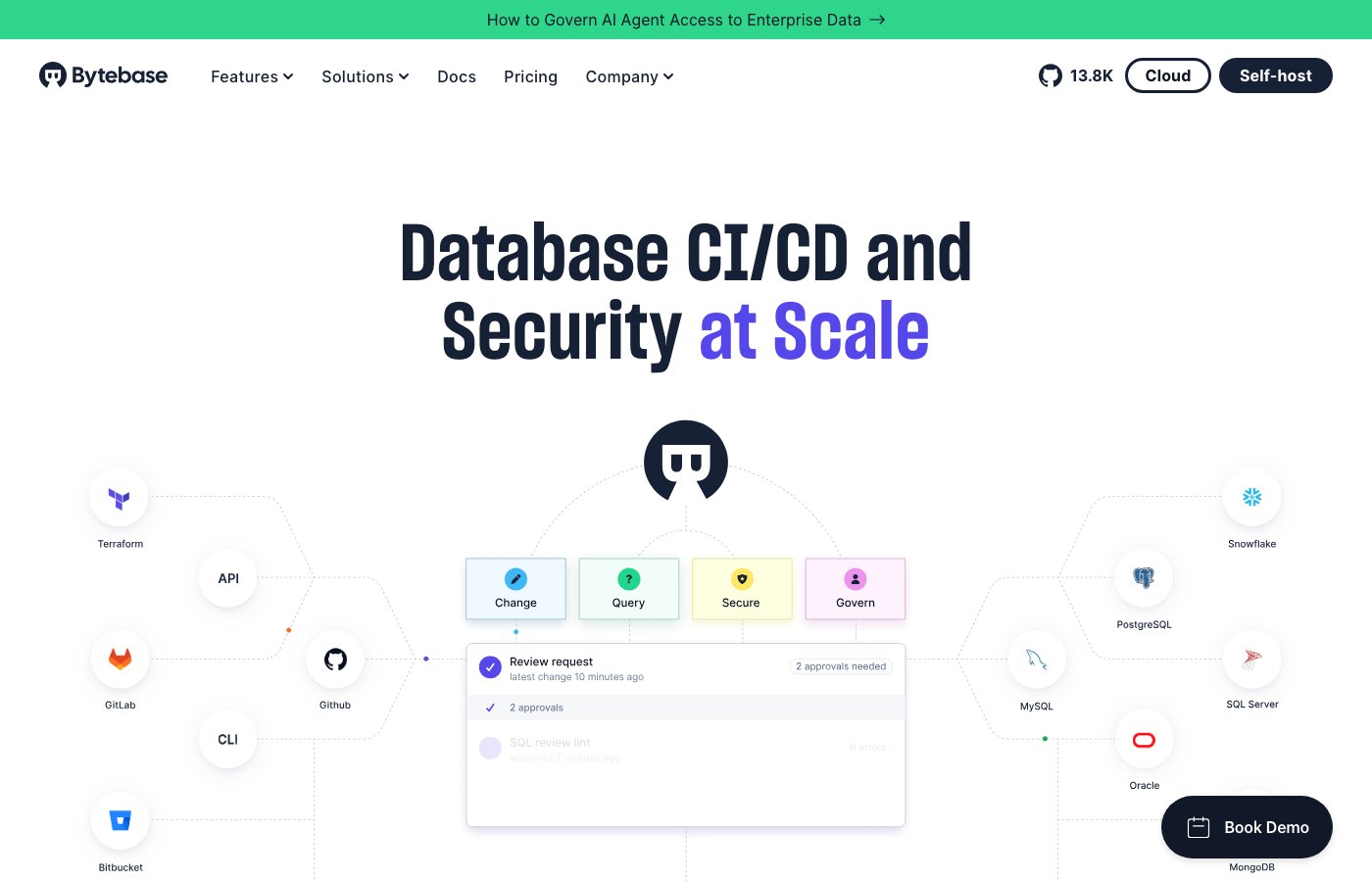 Bytebase schema change review workflow showing issue detail, SQL diff, and approval controls
Bytebase is a database change management platform built for teams. Where Flyway and Liquibase handle the mechanics of running SQL scripts, Bytebase wraps those mechanics in a workflow: developers submit schema changes, DBAs review them through a built-in approval system, and changes roll out across environments in order (dev, then staging, then production).
What it does well: It handles PostgreSQL, MySQL, SQL Server, Oracle, MongoDB, ClickHouse, and over 20 other databases from one interface. SQL review rules run automatically on every submitted change and catch naming violations, risky operations, and missing indexes before a reviewer ever looks. Access control decides who can query or modify which database, and just-in-time access lets engineers request temporary elevated permissions. The full change history doubles as a compliance audit trail.
Limitations: There's more setup than a CLI-only migration tool. It's aimed at teams rather than solo developers, and the collaboration features are overhead if only one person is touching the schema.
Pricing: Free Community edition. Pro and Enterprise plans for larger teams and organizations.
Liquibase
 Liquibase changelog file and CLI output showing applied changesets
Liquibase is an open-source schema migration tool that uses XML, YAML, JSON, or SQL changelogs to define and track database changes. It records which changesets have run, in what order, and against which database, then applies only the ones that are missing.
What it does well: It's over a decade old and integrates with most CI systems and build tools. It covers most relational databases and some NoSQL ones, and the changelog format gives you a structured, auditable record of every change.
Limitations: It's CLI-first, with no native web UI or approval workflow for team review. The open-source edition leaves out rollback automation and some enterprise controls that sit in Bytebase's free tier.
Pricing: Open-source Community edition free. Liquibase Pro from approximately $5,000/year.
Flyway
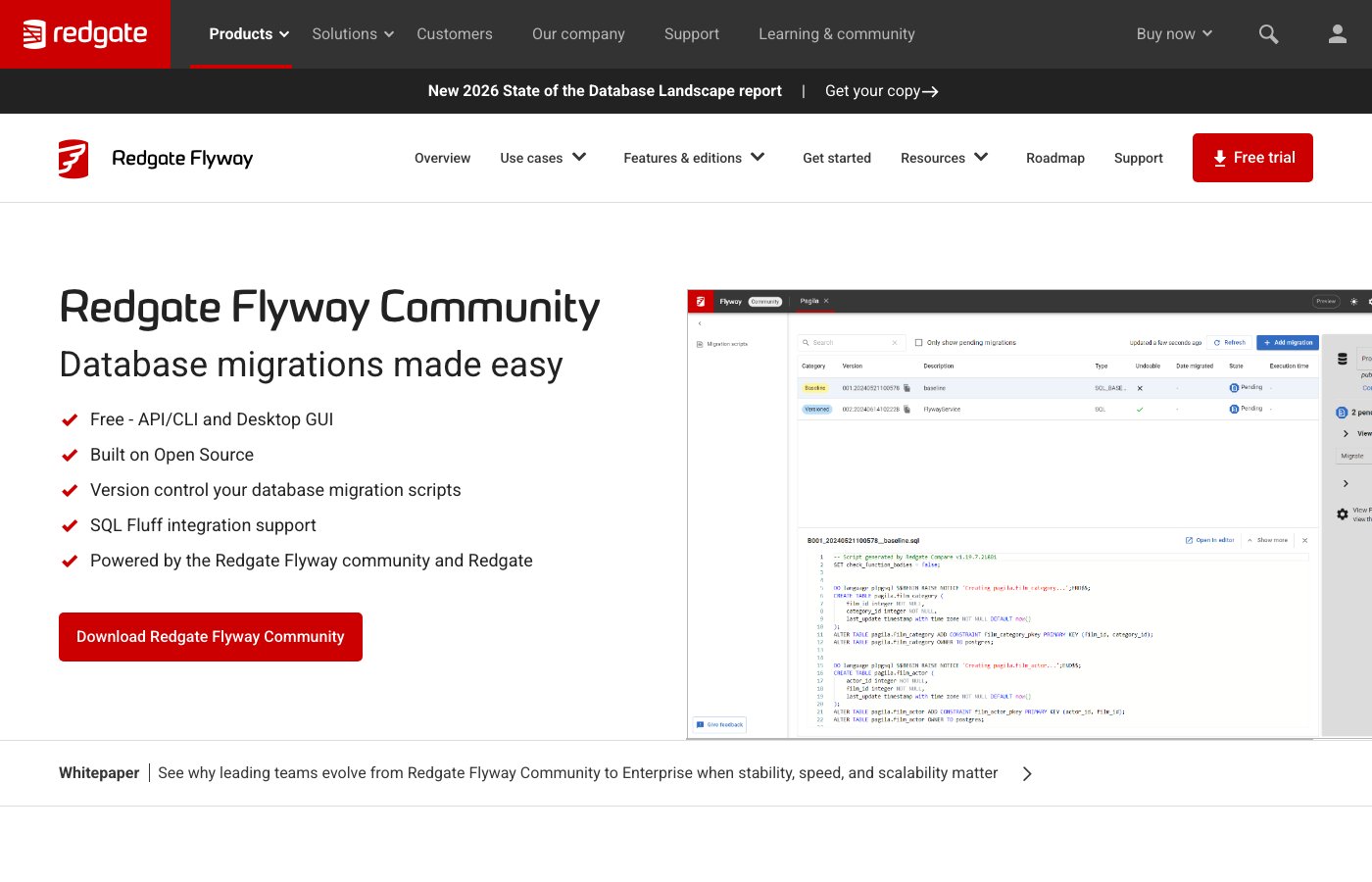 Flyway CLI output showing migration history and applied versioned scripts
Flyway applies versioned SQL migration scripts in order. The mental model is about as simple as it gets: name your scripts V1__description.sql, V2__description.sql, and Flyway runs whichever ones haven't been applied yet.
What it does well: Low learning curve, fast to drop into an existing project or CI pipeline, and good Spring Boot and Maven support.
Limitations: No web UI, no team workflow. Rollback in the Community edition is manual. It doesn't enforce change review or access controls.
Pricing: Open-source Community edition free. Flyway Teams from approximately $90/user/year.
For a detailed comparison of these two migration tools, see Flyway vs. Liquibase.
| Tool | Approach | Team workflow | Open source |
|---|---|---|---|
| Bytebase | Web UI + API, full DevSecOps | Yes (review, approval, access control) | Yes (Community) |
| Liquibase | Changelog files (XML/YAML/SQL) | No (CLI-based) | Yes (Community) |
| Flyway | Versioned SQL scripts | No | Yes (Community) |
Data pipelines
Airbyte
 Airbyte connection dashboard showing source-to-destination sync status and connector catalog
Airbyte is an open-source data integration platform that extracts data from source systems (databases, SaaS APIs, files) and loads it into destinations like data warehouses, lakes, or databases. It ships over 550 pre-built connectors, and you can build custom ones through a low-code framework.
What it does well: It has one of the largest connector catalogs around, with an active open-source community keeping them maintained. CDC (Change Data Capture) support lets you sync incremental changes from databases instead of running full reloads, and you can self-host it if you can't send data through a vendor's infrastructure.
Limitations: Self-hosting means operational setup and ongoing maintenance. Some community-maintained connectors lag behind source API changes. And for simple use cases, the managed cloud version can cost more at scale than just building the integration yourself.
Pricing: Open-source self-hosted free. Airbyte Cloud starts at $10/month (consumption-based).
Data transformation
dbt
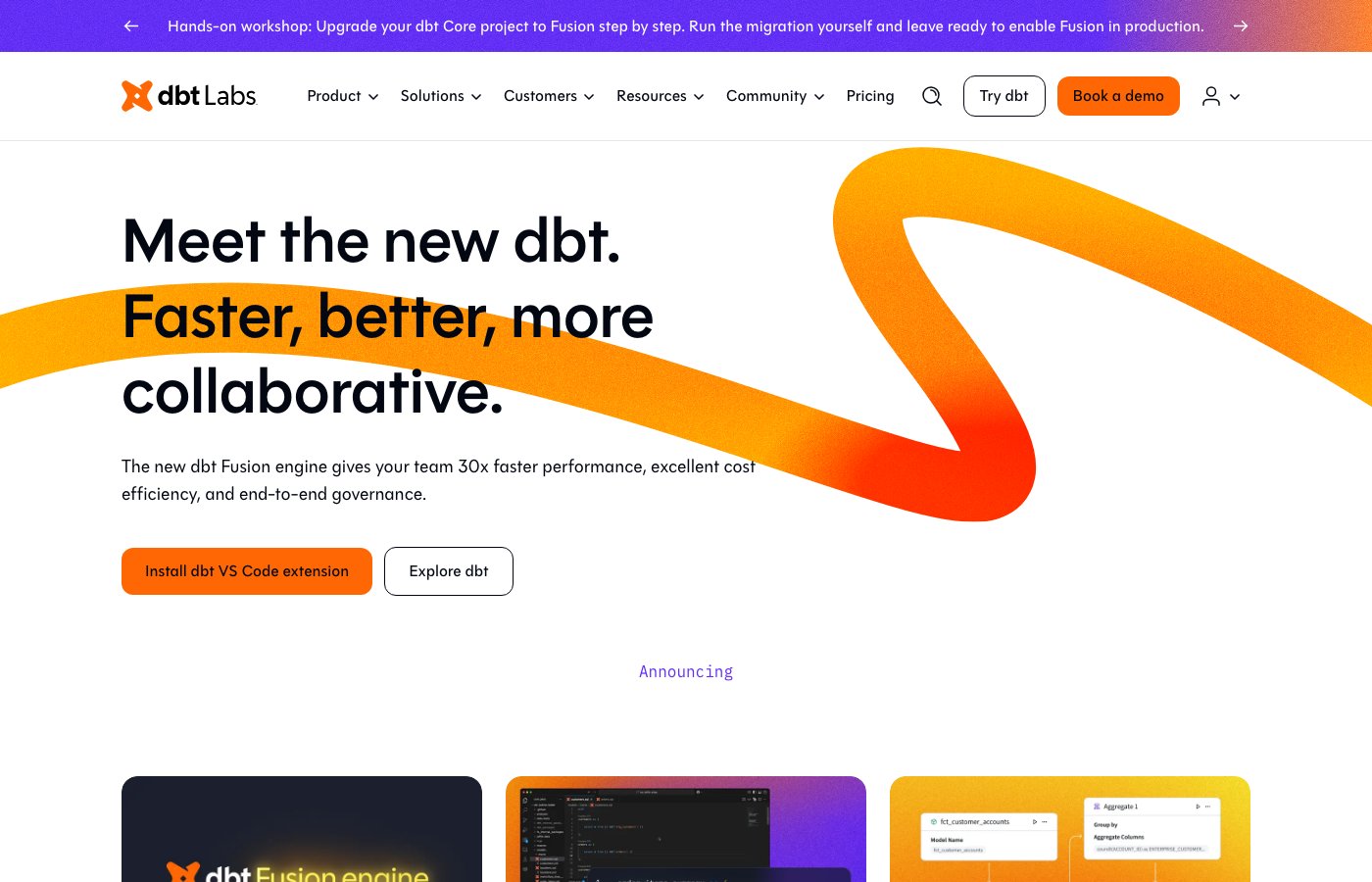 dbt lineage graph showing model dependencies and transformation pipeline
dbt (data build tool) lets analysts and engineers write SQL SELECT statements to define how data should be modeled in a warehouse. It compiles those models into the right SQL dialect, runs them against the warehouse (BigQuery, Snowflake, Redshift, DuckDB, and others), and generates documentation and lineage graphs along the way.
What it does well: It brings software engineering habits (version control, testing, documentation, modular design) to analytics SQL. There's a large library of community packages for common transformations, and the lineage graph makes it easy to trace how any metric was derived.
Limitations: It only works on data that's already in a warehouse. dbt doesn't move data, so you need a pipeline tool like Airbyte upstream to land the raw data first. It also assumes SQL proficiency; this is not a low-code tool.
Pricing: dbt Core is open source and free. dbt Cloud (hosted, with a UI and scheduling) starts at $100/month.
Analytics and BI
Metabase
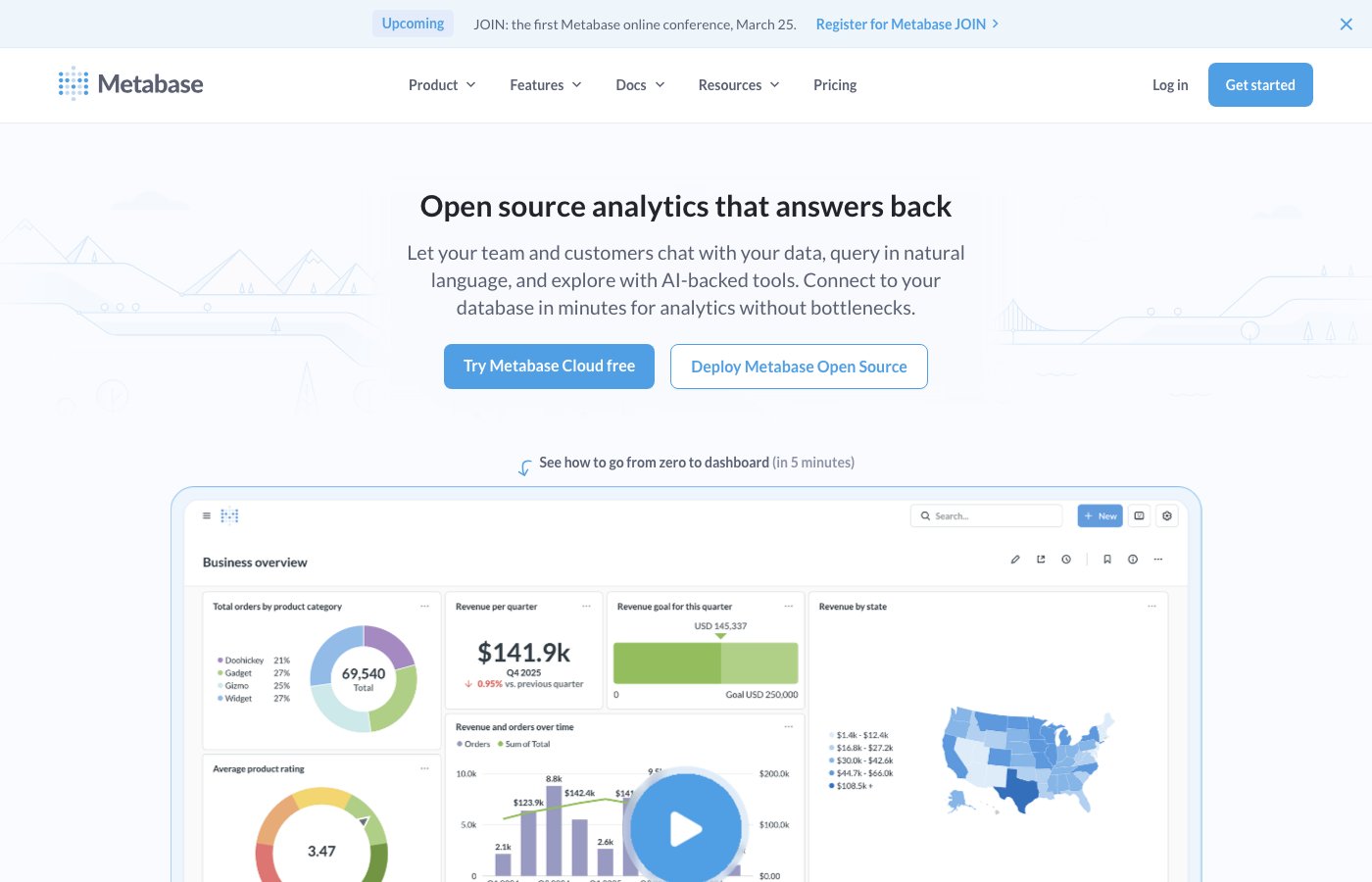 Metabase dashboard builder showing charts and a question editor with no SQL required
Metabase is an open-source BI tool that lets non-technical users build charts and dashboards through a point-and-click interface, no SQL required. Developers can still drop into a SQL editor for custom queries when they want to.
What it does well: Non-technical users really can build basic dashboards without writing SQL. It's straightforward to self-host, and the embedding support lets you surface dashboards inside your own product.
Limitations: SSO, audit logs, data sandboxing, and permission groups live in the paid commercial edition. Performance can drop off with large result sets or complex queries against unoptimized tables.
Pricing: Open-source Community edition free (self-hosted). Metabase Pro starts at $500/month for 10 users.
How to choose the right data management tool
The right stack depends on your role and where the pain actually is.
Developers and DBAs managing schema changes need a migration tool and a database client. If your team needs approval workflows, SQL review automation, and audit trails for schema changes, Bytebase covers all of that in one place and can replace both the migration CLI and the manual change-coordination back-and-forth. If you'd rather keep things simple with fewer moving parts, Flyway or Liquibase handle the migration mechanics on their own. See the security stack around database change for a more detailed breakdown.
Data engineers building pipelines need an EL tool like Airbyte. If the destination is a data warehouse and you want to turn raw data into analytics-ready models, pair Airbyte with dbt: the two are commonly deployed together.
Analysts and product teams need a BI tool like Metabase. If your analysts write SQL directly and want a full-featured client, DataGrip or DBeaver work well for them too.
GUI clients and CLI migration tools cover the technical mechanics of querying and deploying changes, but neither handles the coordination layer: who approves a change before it hits production, which environment it deploys to first, who has query access to what. Bytebase covers that layer with approval workflows, staged deployments, and a full audit trail. See top database DevOps tools for where change governance fits in a DevOps stack.
No single tool covers the whole stack, but most teams only need 3 or 4 of these categories. Start with whatever is costing your team the most time: if schema changes are slow or risky, a migration tool is the priority; if analysts are blocked waiting for data, a pipeline tool is; if dashboards are fragile or hard to share, a BI platform helps. Build out from there, and trying a couple of options in each category is the fastest way to find what fits your workflow.